
Keep pace with a changing screening picture.
Enrol your subjects, set a review cadence and bring meaningful source changes back to your team after the first check.

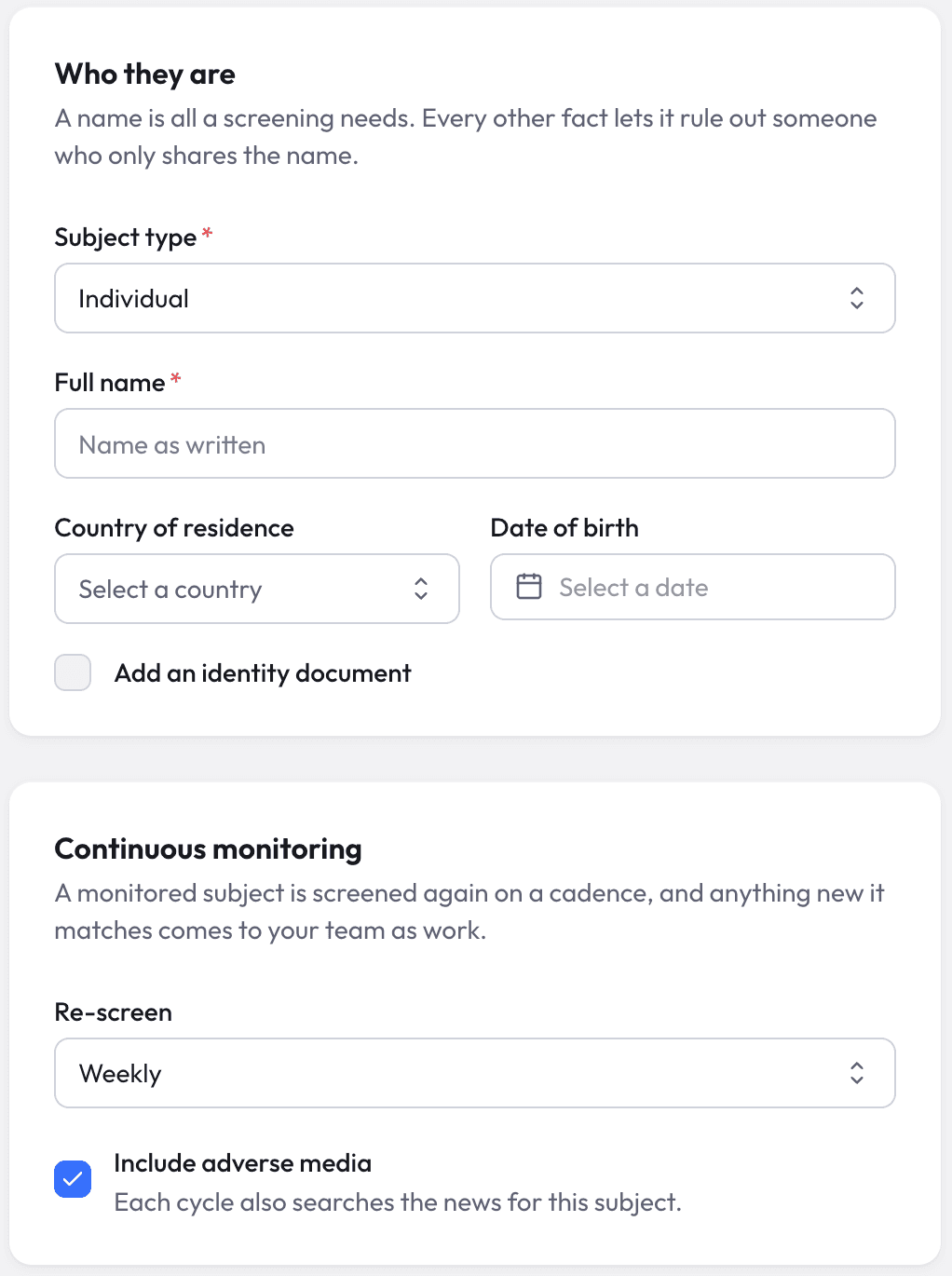
Set the rhythm for each subject.
Choose who stays under monitoring and how often to re-screen. Include adverse media for people and organisations when it belongs in your review.
Enrol individually or from a batch
Keep follow-up connected to the subjects you screen.
Choose a schedule
Daily, weekly, monthly, quarterly or yearly.
Include relevant reporting
Add adverse-media checks for people and organisations.
Give material changes the attention they need.
Compare new source evidence with the previous picture. Routine refreshes stay out of the material-change feed.
Designation changes
A new sanction or a recorded end to an existing designation.
New PEP positions
A newly recorded public role or position.
New risk classifications
A risk topic added to the source record.
Added identity evidence
New names, aliases or identity numbers that sharpen review.
New ownership links
A newly recorded ownership relationship.
New potential matches
A new candidate connected to a monitored subject.
Refresh timestamps and reworded descriptions do not become material events on their own.
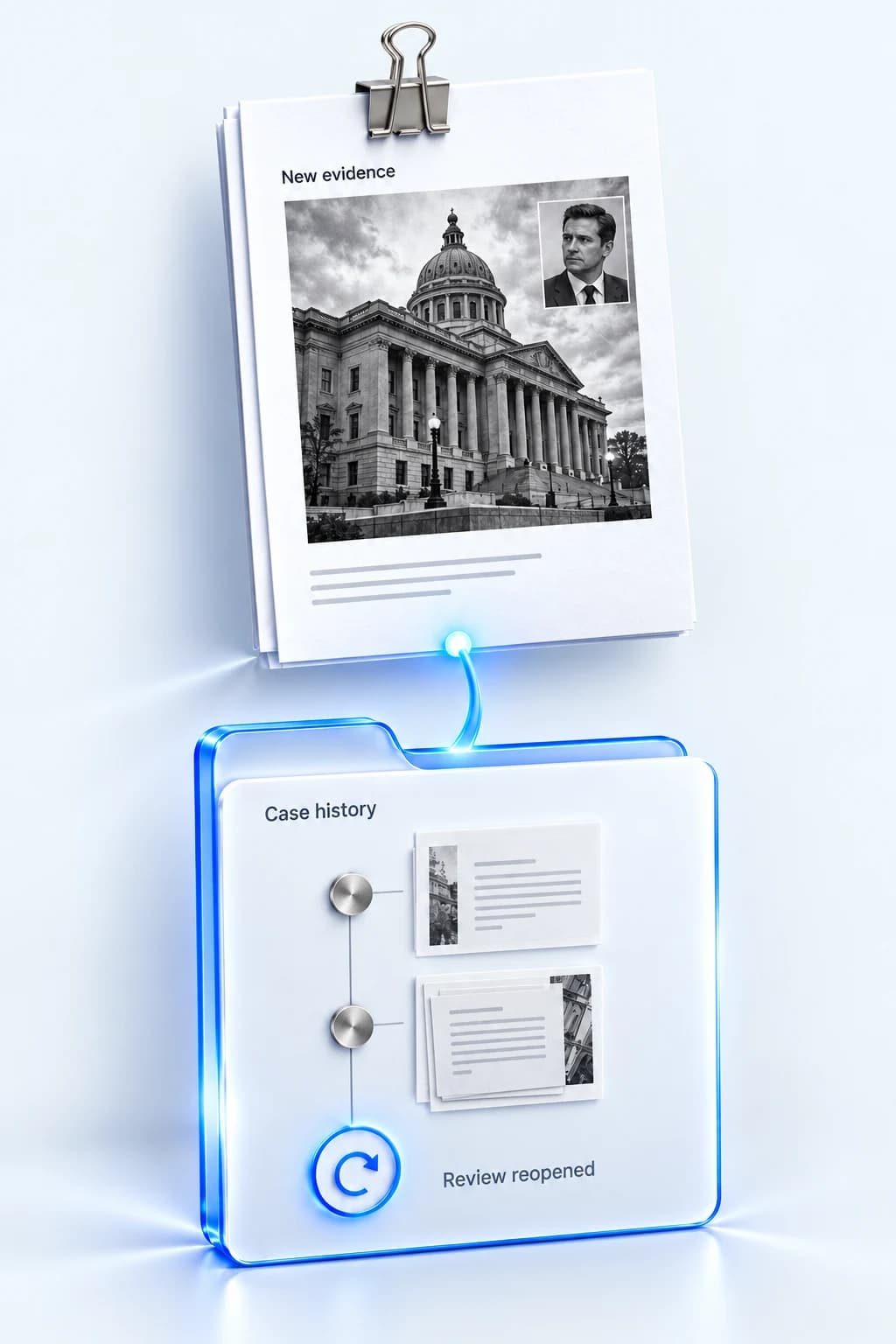
Pick up the review where it belongs.
See the change, its source and when it was detected. Follow linked case history, with material changes able to reopen a previously closed exposure case.
Review the latest cycle status alongside the feed, so an incomplete run is visible to the team.
Explore Nex Screening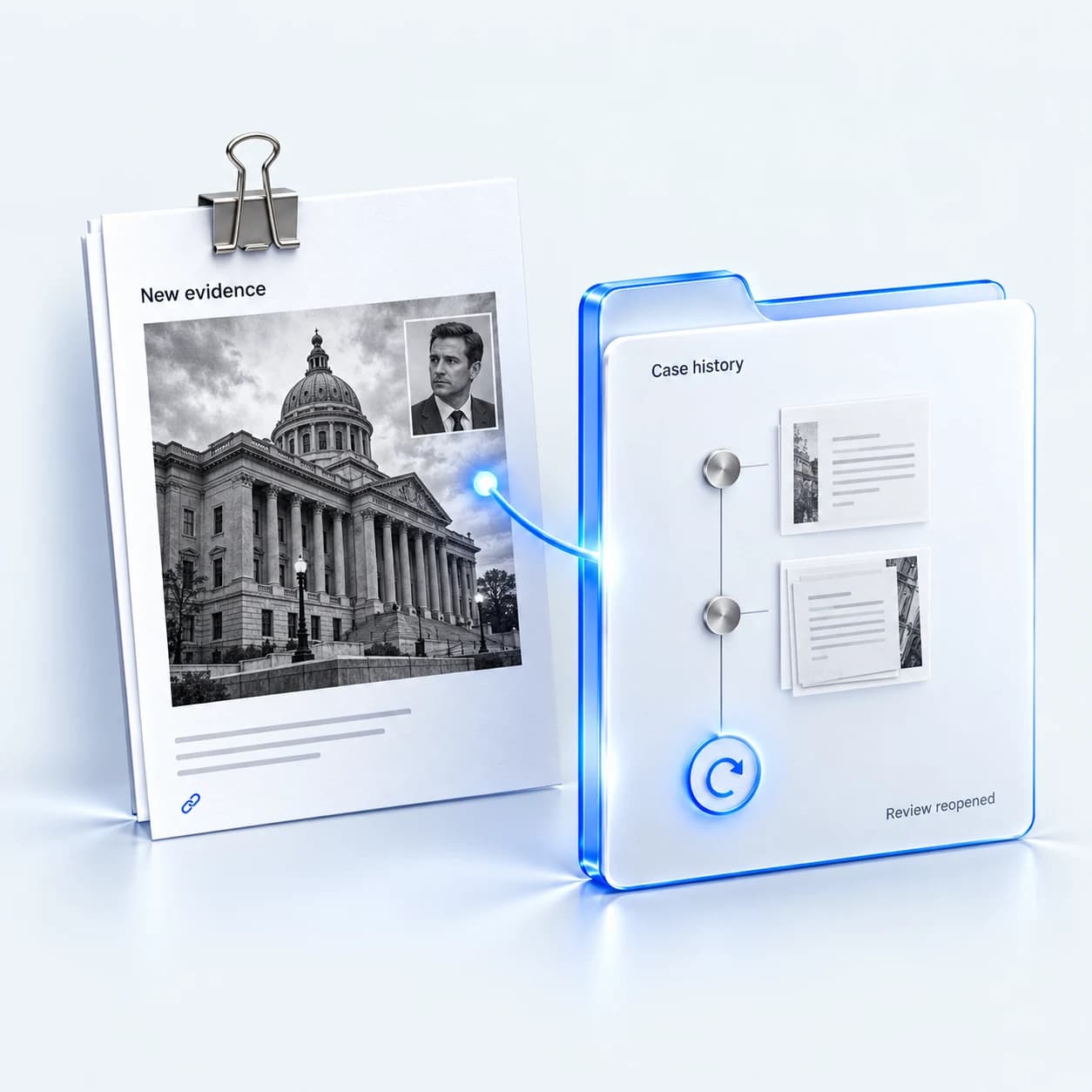
A few things to know.

Make the next review part of the plan.
See how Nex Screening keeps follow-up connected to your subjects.
Book a demo