
The document. The person. The connection.
Compare the document portrait with the applicant’s live face. Bring the match result and both images into your team’s review.
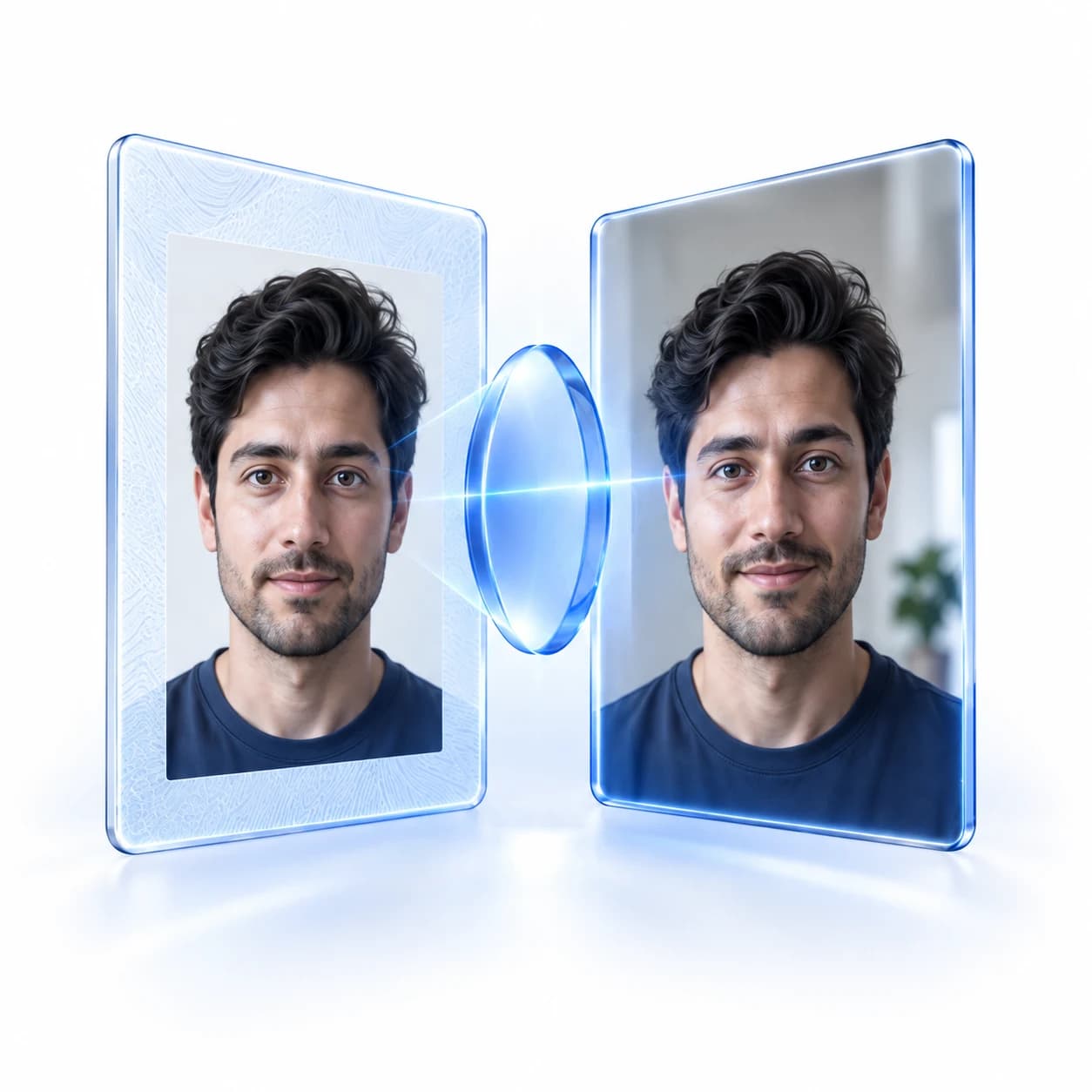
One comparison.
Evidence you can inspect.
Know which images were compared, how the result meets your policy, and when a closer look is needed.
Compare the faces
Link the document portrait to the live capture of the applicant.
Apply your threshold
Evaluate the comparison against your configured matching policy.
Keep the evidence
Review both images together with the recorded finding.
Face comparison
Face not matched
Document portrait

Live face
- Document portrait
- Available
- Live face
- Available
- Comparison
- Face not matched
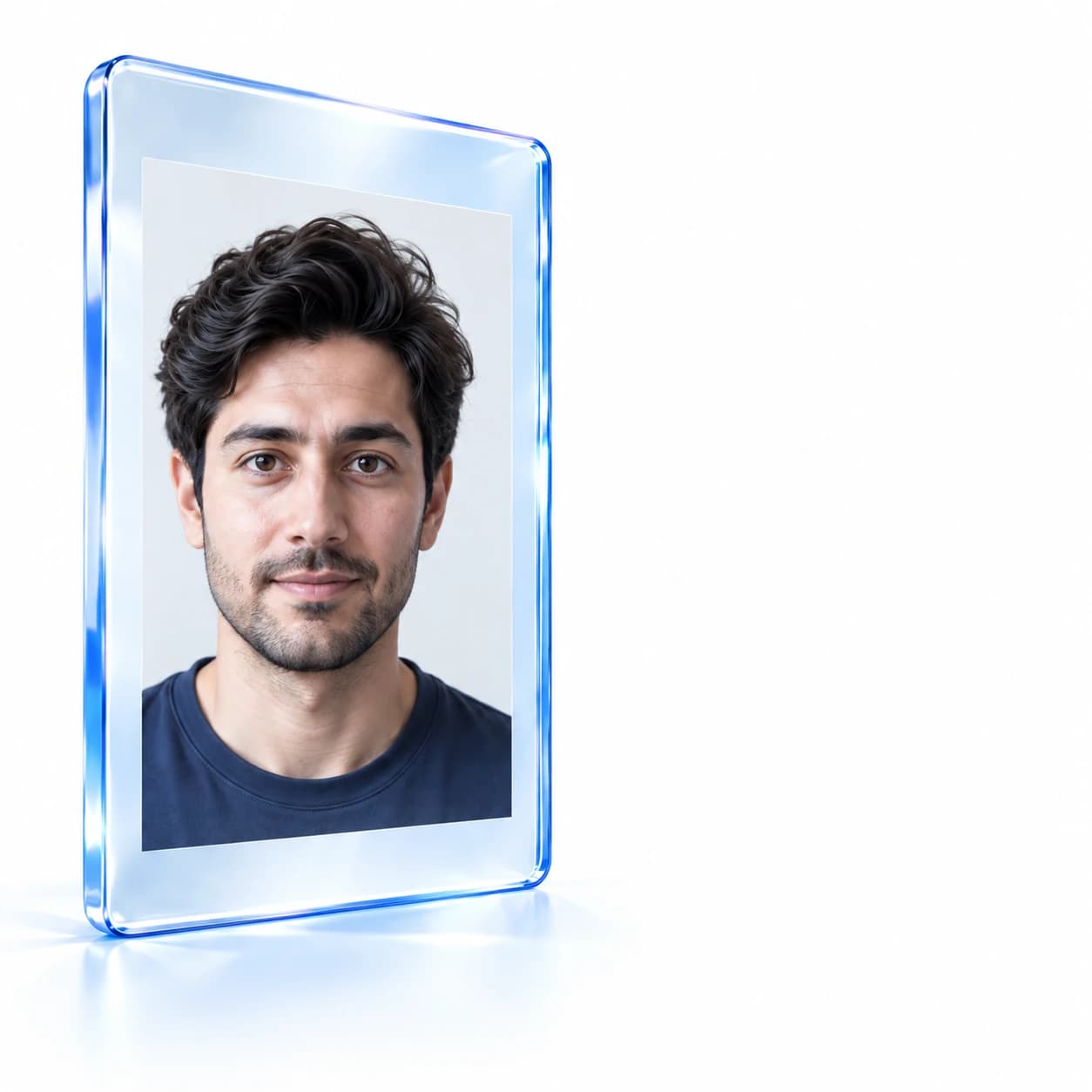
Face comparison
Document portrait
Live face
Review status
Review requested
When a match needs a second look.
A missing face or a mismatch should not disappear behind a status. Give reviewers the finding and the evidence to inspect.
Unavailable is a finding
Know when the captured evidence could not be compared.
Your policy guides the outcome
Set rule actions and thresholds for your matching policy.
A closer look at face comparison.
Face comparison checks the applicant’s captured face against the portrait on the submitted identity document. The comparison adds evidence that the person completing verification is the document holder, alongside the document checks and other findings in Nex eKYC.

Connect the face to the document.
See how matching evidence fits your verification policy.
Book a demo