Victor Hale
Matched on: Name, Date of birth
- Reason
- Linked to repeated chargeback disputes in our 2026 fraud review
- Source
- 2026 internal fraud review
- Owner
- Omar Haddad
- Status
- Active
- Evidence
- Linked report

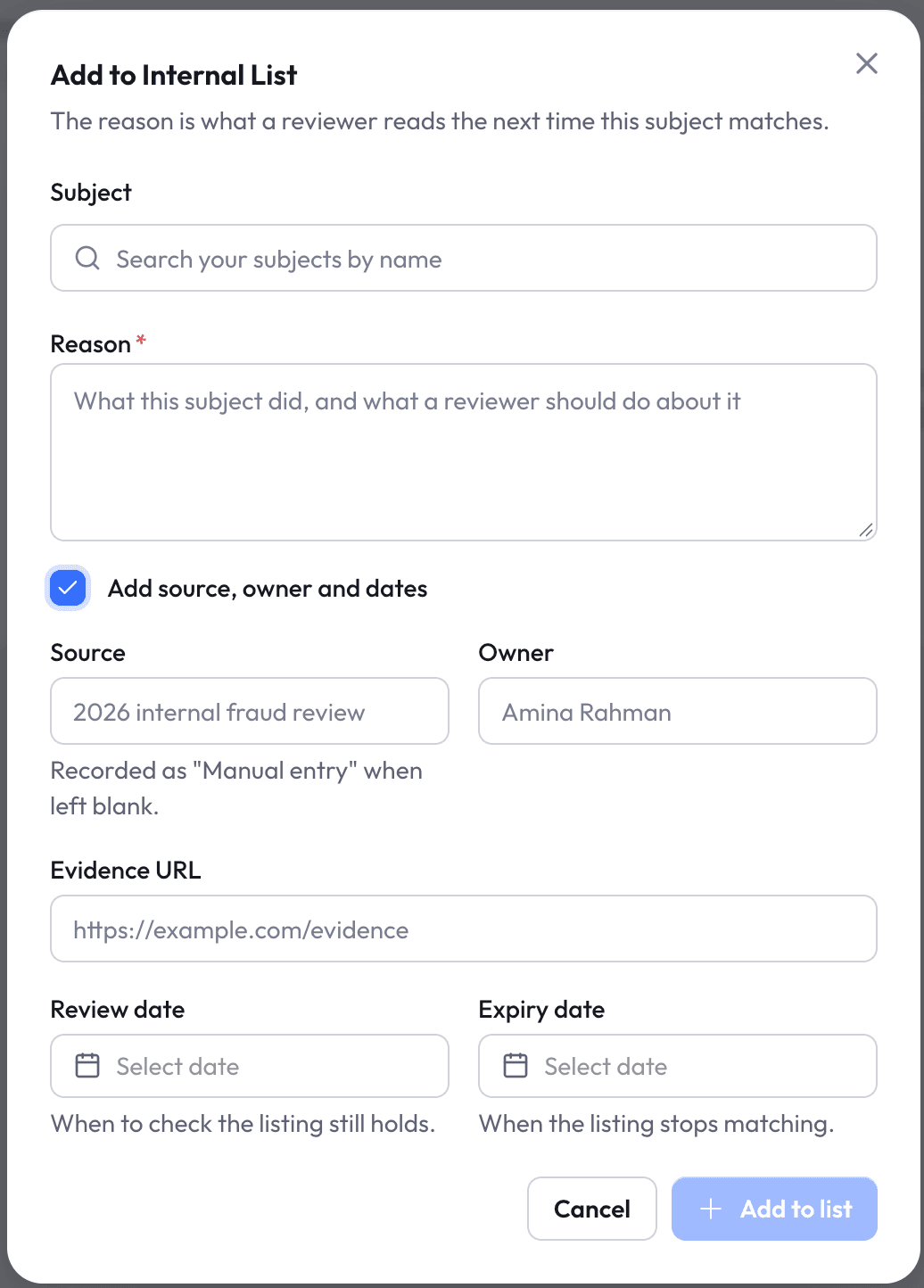
Add the people and organisations your team has decided to watch. Nex Screening checks them in every screening, with the reason behind each listing.

A reason is required when you add a subject. Record the source, owner and evidence too, so the next reviewer understands why the listing exists.
Add people and organisations straight from their record.
Know when to recheck a listing and when it stops matching.
Link the report or document behind the decision.
When a screening finds someone on your list, the match appears as its own finding, with the listing’s reason, source and status beside it — separate from official sanctions and PEP results.
Screening: Victor Hale
IndividualSanctions & PEP
No matchesInternal list
1 matchMatched on: Name, Date of birth
Take a listing out of screening when it no longer applies, and return it if it does. Expired listings stop matching on their own, and every change is recorded.
Internal list
Taken out of screening by Omar Haddad · note recorded

See how internal lists fit your screening workflow with Nex Screening.
Book a demo