
One list.Every subjectaccounted for.
Import your subjects, configure the checks and review each outcome. Keep matches, failed rows and follow-up connected to the original list.
Catch file issues before the run.
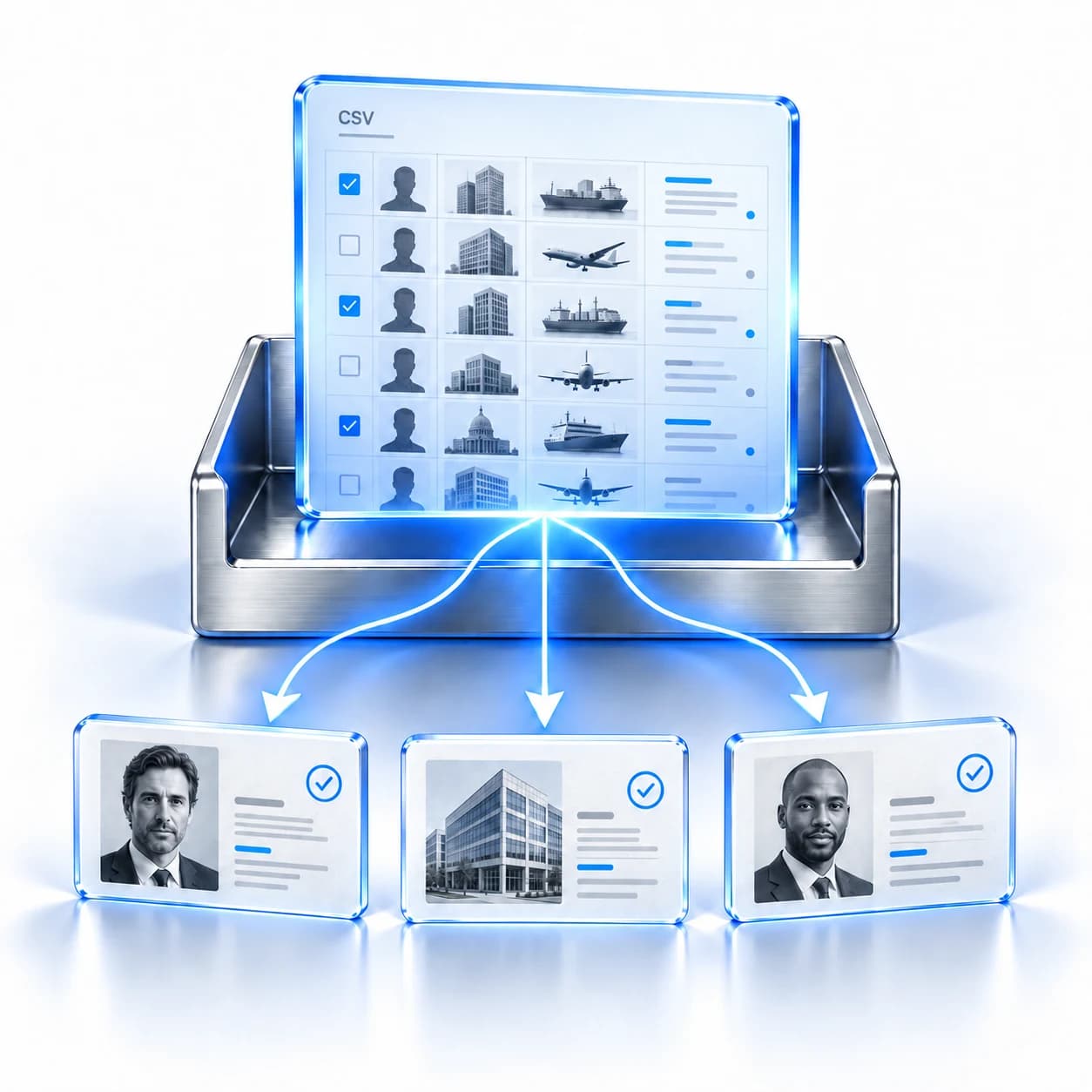
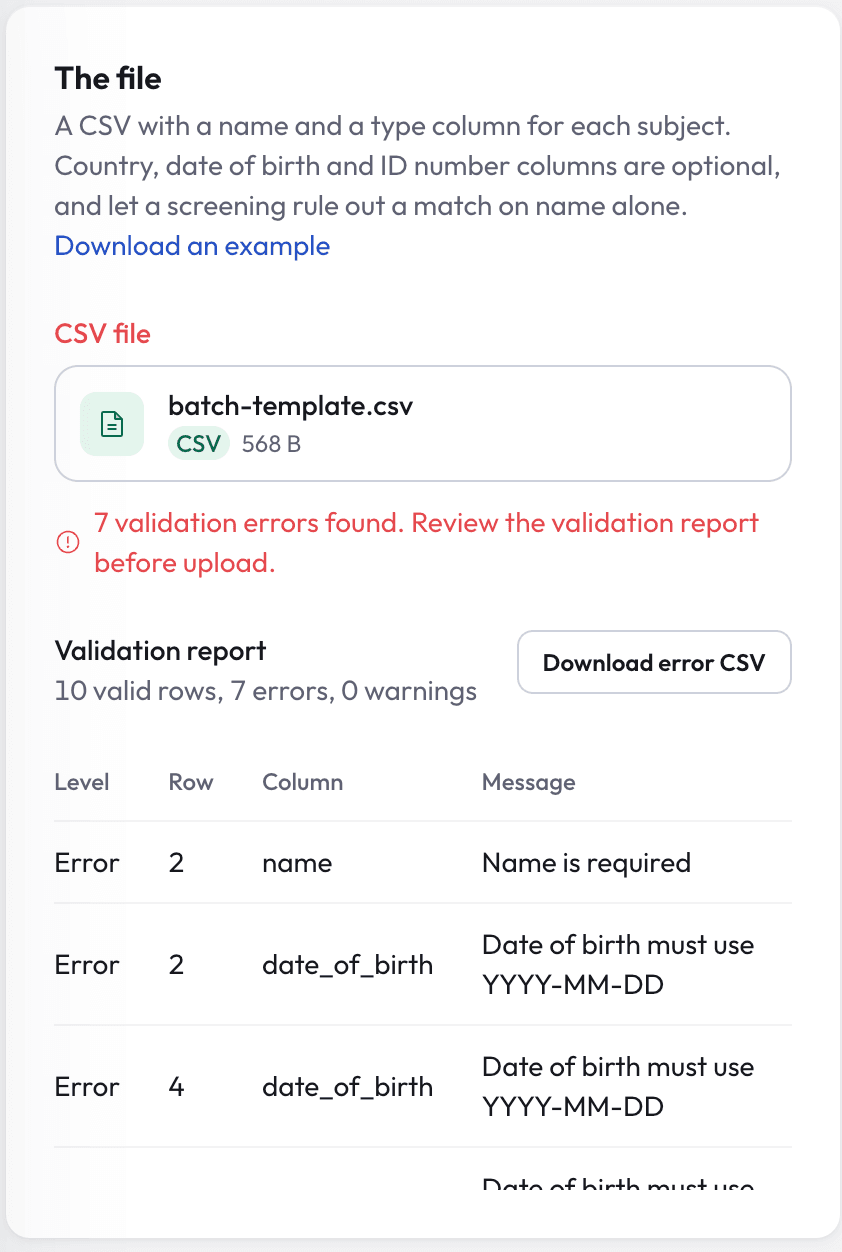
Start with a CSV and validate the rows before submission. Correct missing values and invalid identifiers, then decide how to handle possible duplicates.
Keep identity context
Add country, birth date, identifiers and your own reference.
Check specialist identifiers
Validate vessel identifiers and aircraft registration where relevant.
Choose how duplicates are handled
Review warnings and optionally remove matching duplicate rows.
Define the run before it starts.
Screen for sanctions and PEP exposure, then choose the settings that fit this list and your team's review process.
Set match sensitivity
Adjust the match threshold to suit the review.
Add adverse media
Include reporting for people and organisations.
Create review cases
Open cases for flagged records when enabled.
Continue monitoring
Save subjects for scheduled follow-up at your chosen cadence.
Optional in-app completion notifications keep the team informed.
Keep outcomes clear, row by row.
Open the evidence behind a completed result. Keep rows that could not be screened visible, with a clear route to try again.
Portfolio screening
Export shown results- Clear
Daniel Reed
Your reference: C-1042
- Flagged
Alder Trading
Your reference: C-1043
Could not be screened
Marcus Cole
C-1044
Failed rows have no result. Screen them again, or correct the file and upload a new run.
Bring the results back to your workflow.
Export to CSV or Excel with row numbers, your references, outcomes and available finding context. Keep the connection to the original list when you reconcile the run.
Explore scheduled re-screening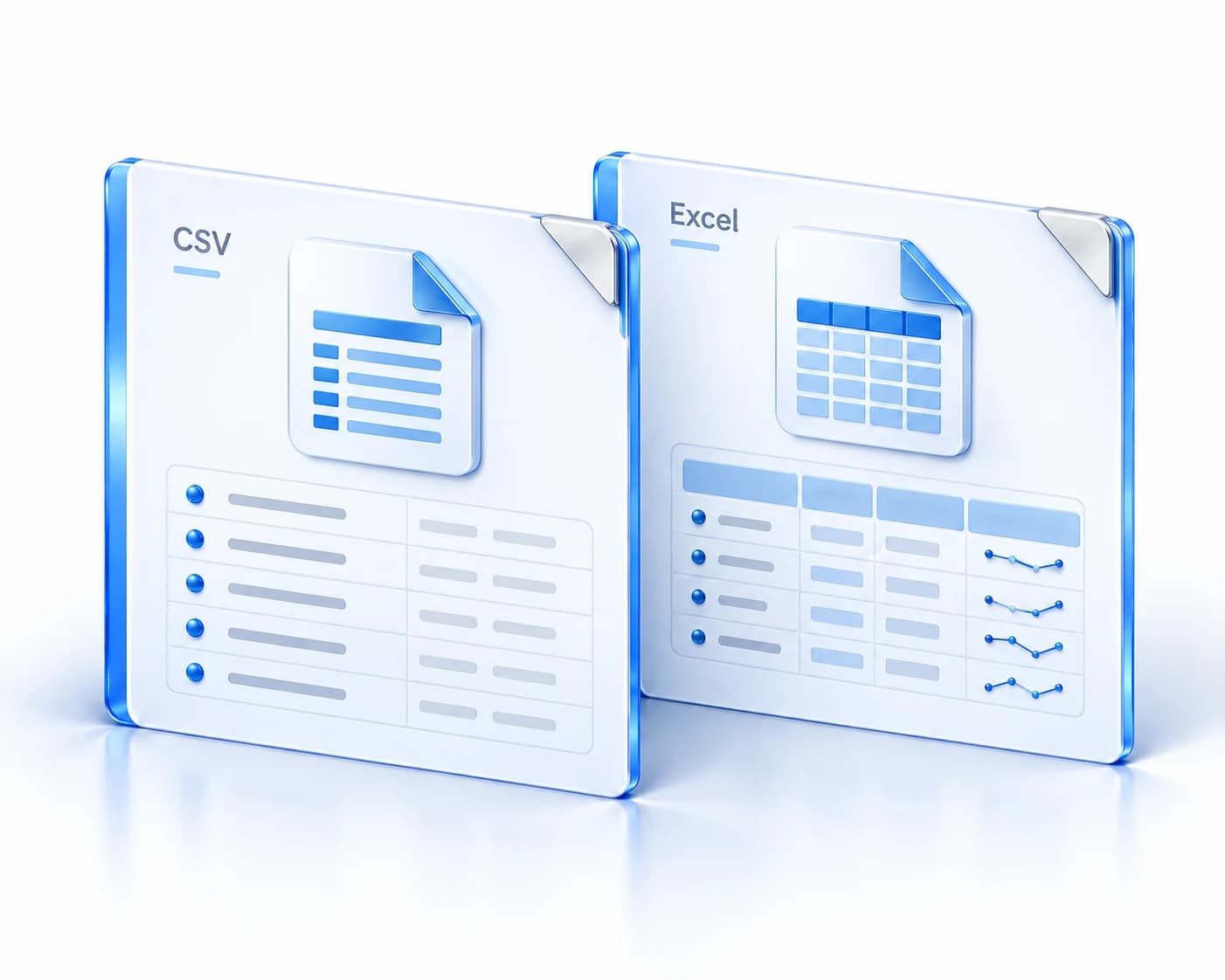
A few things to know.

Make your next screening run easier to review.
Walk through your list, settings and follow-up needs with Nex Screening.
Book a demo